Wrong Date of Birth on Your Passport: What Should You Do?
Edited by Bobby Hess | FreePassportSnap.com
Author: FreePassportSnap
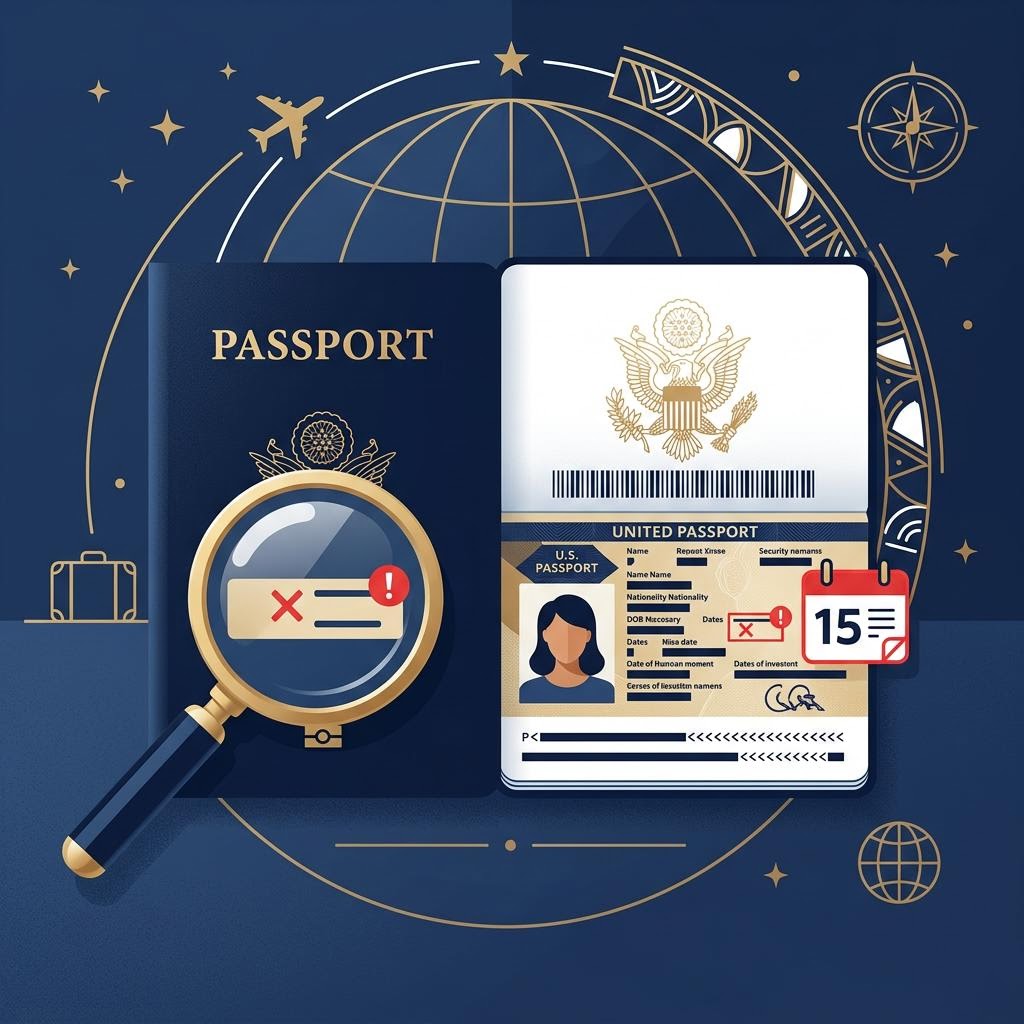
If the date of birth on your new U.S. passport is incorrect, compare it immediately with the application and citizenship evidence you submitted. Do not edit the passport yourself. The State Department’s data-error procedure uses Form DS-5504 for qualifying corrections, but a disagreement in the underlying records needs case-specific evidence rather than a guessed replacement date.
Identify exactly which part of the date is wrong
Write out the day, month and year separately. Look for transposed day/month entries, an incorrect year or one wrong digit. A different date format alone is not proof of an error. Compare the printed biographical page with your application copy and relevant official birth or citizenship record, not just a reservation or social-media profile.
For example, if your evidence establishes April 7 but the printed date indicates July 4, explain that precise mismatch. This is a hypothetical document-checking example, not an account of an applicant’s experience. If your own records disagree, ask Passport Services what evidence resolves that conflict before applying to change the date.
Government data errors versus application mistakes
A passport that differs from correct evidence presents a different investigation from a passport that reproduces a wrong date you entered. Keep both the submitted information and the source record available. The official page describes no-fee correction of qualifying data or printing errors in a still-valid passport; it does not establish a universal fee or alternate form based only on who made a typo. Explain applicant-origin mistakes directly and obtain the appropriate instructions.
Request the correction with supporting evidence
- 1.Open the State Department’s current change/correction page and read DS-5504 before completing it.
- 2.Gather the current passport, one color passport photo and evidence showing the correct date. Follow the form’s requirements for the actual documents; do not assume a phone screenshot replaces required evidence.
- 3.Describe the discrepancy consistently. If a birth or naturalization record itself needs amendment, ask the agency that issued that record about its separate process.
- 4.Use the current form’s mailing instructions, retain private submission records and inspect the corrected passport when it arrives.
For qualifying corrections, reporting within one year of issuance produces the normal validity period for the applicant’s age. Reporting after one year preserves the old expiration date. A corrected birth date does not automatically extend the passport or update airline, visa and other identity records.
What to Check When Your New Passport Arrives
- Confirm your name, date and place of birth and other printed identity information against your records.
- Check the photograph, issue date, expiration date and printing quality.
- Review any visa and booking records for mismatches after a corrected book is issued.
- Store the book safely, but leave enough time to resolve a discrepancy before your next international departure.
Travel approaching or evidence unclear?
Call 877-487-2778 through the official Passport Services guidance before mailing away your passport when departure is close. Provide the issue date, exact error and travel date. Do not book a purported guaranteed emergency appointment from a private seller, submit a second application without instructions or assume an airline will ignore the wrong date.
Resolve the documented date discrepancy through Passport Services. For a physical printing defect rather than a birth-date issue, see the printing-error correction guide; it explains the broader correction-packet comparison.
Previous
Why Was My Passport Photo Rejected? 15 Common Reasons and How to Fix Them
Next
Wrong Place of Birth on Your U.S. Passport: How to Correct It
You Might Also Like
New Passport Arrived With the Wrong Name: What to Do
Did your new U.S. passport arrive with your name misspelled or incorrect? Learn whether it is a government error or legal name-change issue.
Passport Has a Printing Error: Do You Have to Pay to Correct It?
Crooked printing, discoloration or missing information in your U.S. passport? Learn how to correct government printing errors for free.
Wrong Place of Birth on Your U.S. Passport: How to Correct It
Is your place of birth wrong on your U.S. passport? Learn how to correct a passport data error using Form DS-5504 and whether there is a fee.