US Passport Photo Requirements (2026): Everything You Need to Know
Edited by Bobby Hess | FreePassportSnap.com
Author: FreePassportSnap
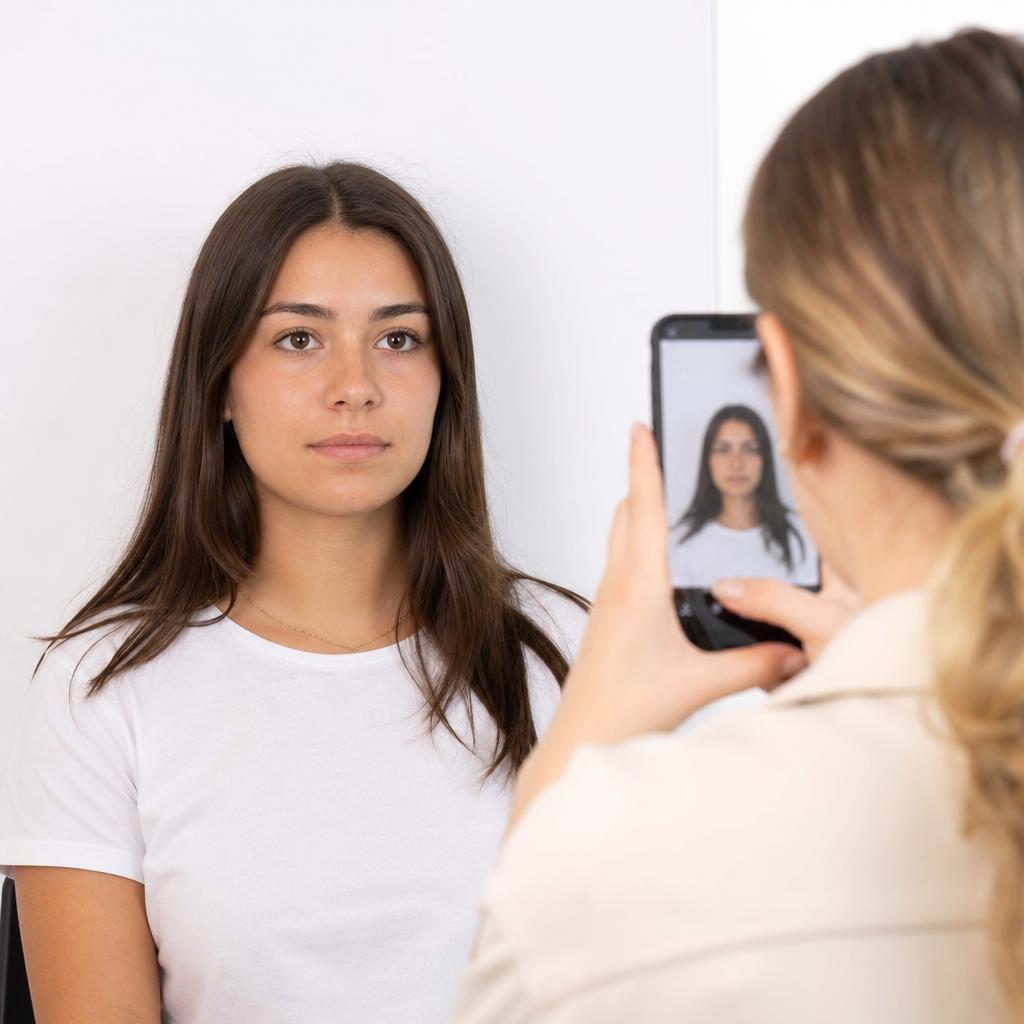
Applying for a U.S. passport in 2026? One of the most common reasons passport applications are delayed is an incorrect passport photo. Fortunately, following a few simple guidelines can help ensure your photo is accepted the first time.
Official U.S. Passport Photo Requirements
- Photo Size: Exactly 2 × 2 inches (51 × 51 mm).
- Recent Photo: Taken within the last 6 months.
- Color Photo: Black and white photos are not accepted.
- Background: Plain white or off-white with no patterns, shadows, or objects.
- Face Position: Look directly at the camera with your head centered and fully visible.
- Expression: Neutral expression or a natural smile with both eyes open.
- Head Size: Your head must measure between 1 inch and 1.4 inches (25–35 mm) from the bottom of your chin to the top of your head.
- Image Quality: Sharp, high-resolution, and free of blur, grain, or pixelation.
- Photo Paper: Printed on high-quality matte or glossy photo paper if submitting a printed application.
What You Should Wear
Choosing the right clothing can help your photo meet official requirements.
- Wear everyday clothing.
- Avoid white clothing if possible since it may blend into the background.
- Remove hats and head coverings unless worn daily for documented religious or medical reasons.
- Remove eyeglasses before taking the photo.
- Keep hair away from your eyes and avoid anything that obscures your face.
Common Passport Photo Mistakes
Many passport photos are rejected because of simple errors, including:
- Smiling too broadly or making exaggerated facial expressions.
- Shadows on the face or background.
- Low-quality or blurry images.
- Incorrect photo dimensions.
- Selfies or photos taken too close.
- Digitally edited backgrounds.
- AI-generated or heavily filtered images.
- Wearing glasses, hats, or sunglasses.
Can You Take Your Own Passport Photo?
Yes. The U.S. Department of State allows applicants to take their own passport photos as long as every official requirement is met. Use good lighting, stand several feet from the camera, and ensure the background is plain white or off-white. The photo must remain unedited and accurately represent your current appearance.
Tips for an Approved Passport Photo
- Use natural, even lighting.
- Stand against a clean white wall.
- Have another person take the picture instead of using a selfie.
- Use your phone's highest image quality.
- Keep your shoulders straight and look directly into the camera.
- Double-check the photo size before printing.
Final Thoughts
A compliant passport photo can save you time and prevent delays in your passport application. By following the official U.S. Department of State requirements for 2026, you'll greatly improve your chances of having your application accepted on the first submission.
Measure the print, not the preview on your screen
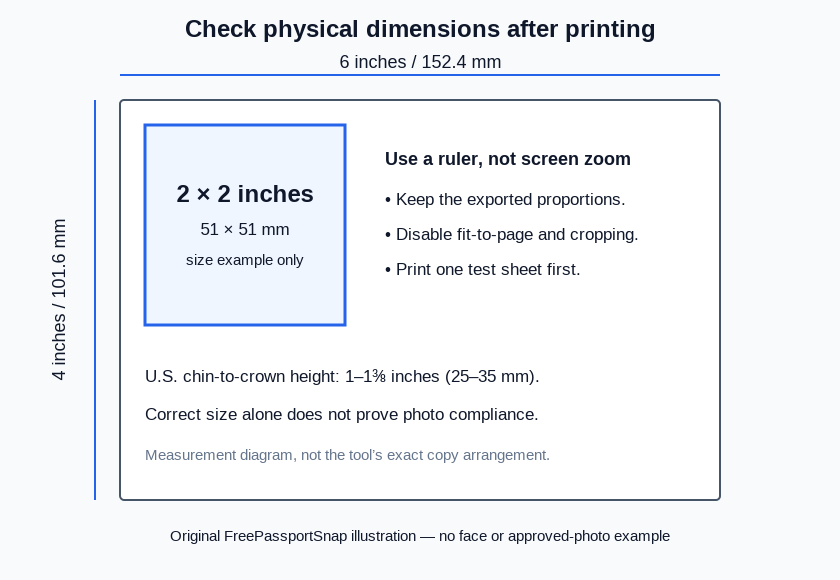
- A 2-inch edge should measure 2 inches with a ruler after printing. On-screen zoom is not a reliable physical measurement.
- The JPG and PNG buttons download single images; Print 2× and Print 4× group copies. Those grouped downloads are not fixed 4×6-inch paper templates. Do not assume that filling a sheet produces correctly sized photos.
- If using 4×6-inch paper, arrange the single image at exactly 2×2 inches in print-layout software that supports physical dimensions. Alternatively, ask a photo service to print the single image at 2×2 inches. Keep the face proportions unchanged.
- Print the prepared layout at actual size, without fit-to-page, automatic enlargement, borderless expansion or retailer cropping. If your software cannot set an exact physical size, do not guess from screen zoom.
- Print one test before ordering more. If a nominal 2-inch edge measures 1.9 inches, the layout was scaled to 95%; correct the scaling rather than stretching the face.
- If a retailer preview cuts off a photo boundary, stop and choose a no-crop option or another workflow. Inspect matte or glossy photo-quality paper for blur, printer dots and color problems.
The official U.S. requirements specify 2×2 inches and a chin-to-crown height of 1–1⅜ inches (25–35 mm). A correctly sized print can still fail other requirements. Digital background replacement is not an acceptable way to rescue an unsuitable U.S. passport photo.
Previous
United Kingdom Travel Guide 2026: Passport, ETA, Scams & Trip Planning
Next
USPS Passport Delivery Text Scams: Don’t Click That Tracking Link
You Might Also Like
Baby Passport Photo With Eyes Closed: Is It Allowed?
Can a baby's eyes be closed in a U.S. passport photo? Learn the special infant photo rule and how to photograph a newborn correctly.
Can You Have Bangs, Long Hair, or Hair Over Your Ears in a U.S. Passport Photo?
Can you have bangs, long hair or hair over your ears in a U.S. passport photo? Learn the current passport hair rules and how to avoid a rejected photo.
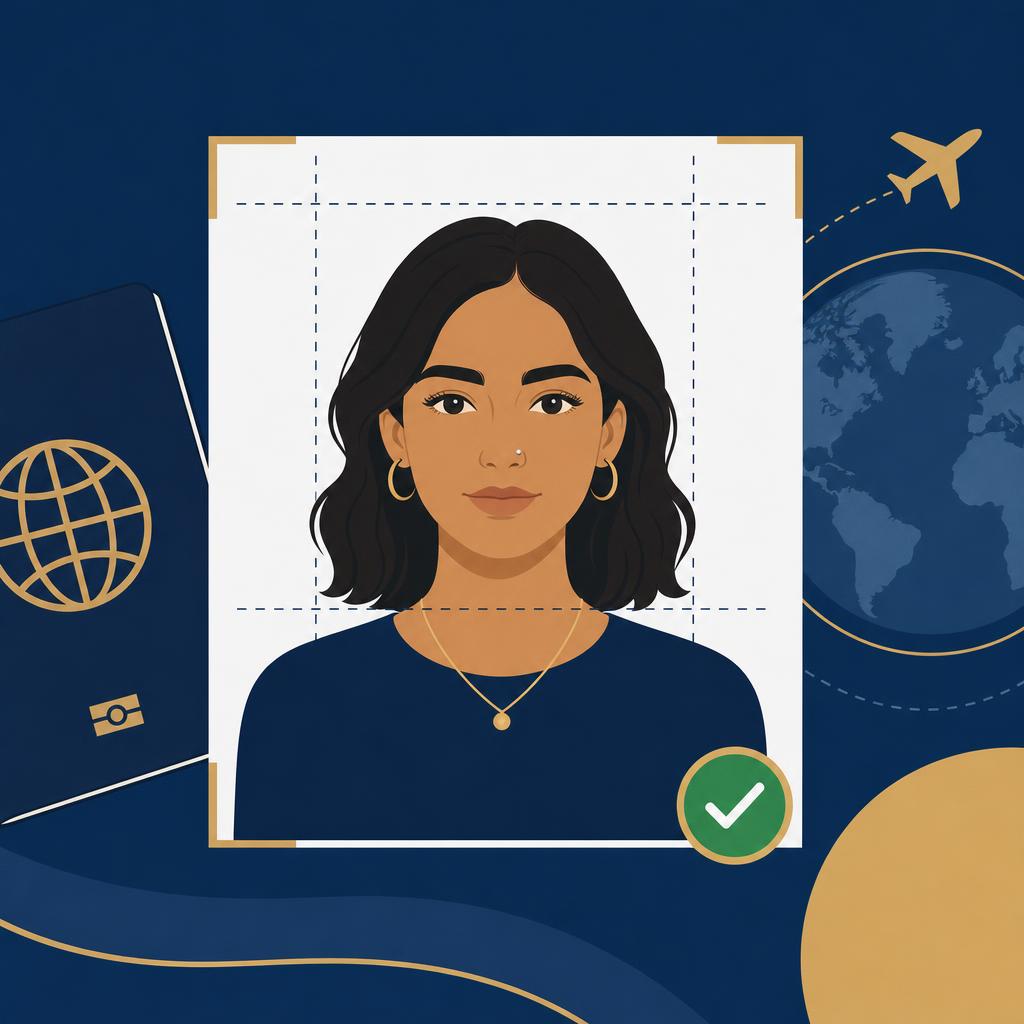
Can You Wear Jewelry or Facial Piercings in a U.S. Passport Photo?
Can you wear earrings, a nose ring, necklace or facial piercings in a U.S. passport photo? Learn what the State Department allows.