Applying for a UK Passport? Avoid Third-Party Websites and Use the Official GOV.UK Service
Edited by Bobby Hess | FreePassportSnap.com
Author: FreePassportSnap
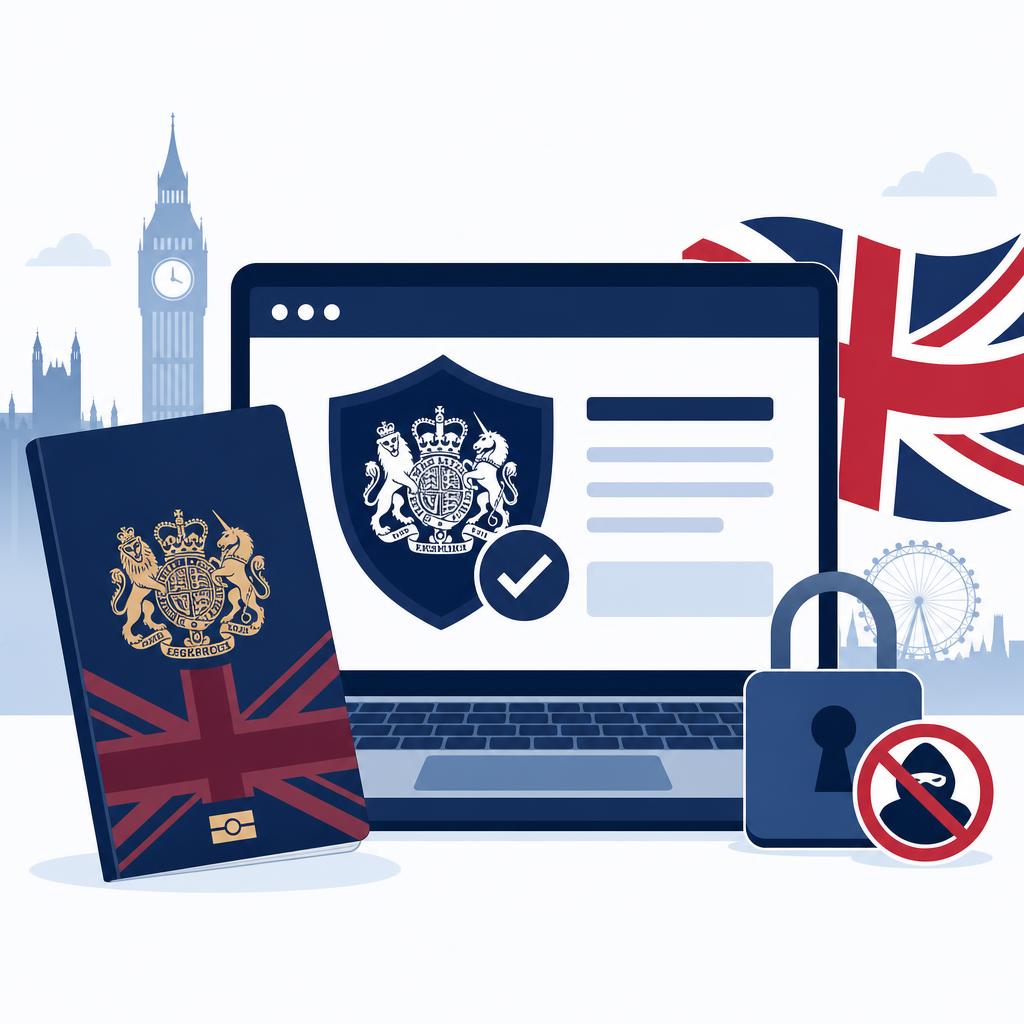
If you need to apply for or renew a United Kingdom passport, one of the most important things to know is where to start.
The official online service for British passport applications is provided by HM Passport Office through GOV.UK. You do not need to use a third-party passport application website simply to submit a standard application.
Using the official government service helps ensure that you are following the correct application process and paying the official passport fee directly.
Where Should You Apply for a UK Passport?
The official place to apply for, renew, replace or update a UK passport online is GOV.UK. The government service allows eligible applicants to apply for a first passport, renew an existing passport, replace a lost, stolen or damaged passport, update passport details, upload or provide a digital passport photo, and pay the official application fee. HM Passport Office also provides instructions throughout the application process.
Start your application directly on the official government service:
GOV.UK — Official UK Passport Application ServiceWhy Be Careful With Third-Party Passport Websites?
When searching online for terms such as "UK passport renewal," "British passport application," or "renew passport online," you may encounter commercial websites offering passport-related assistance. Some third-party services may be legitimate businesses, but they are not HM Passport Office or GOV.UK.
A commercial service may charge an additional fee for assistance that you may not need. Paying a third party also does not replace the requirement to complete the official passport process. Before entering personal information or payment details, check who operates the website. For a normal UK passport application, the safest starting point is the official GOV.UK passport service.
How Much Does a UK Passport Cost?
As of 2026, a standard UK online passport application made from within the UK costs:
- Adult passport (age 16 and over), online: £102
- Child passport (under 16), online: £66.50
- Adult passport, paper application: £115.50
- Child passport, paper application: £80
These official fees took effect on 8 April 2026. Passport fees can change, so applicants should always verify the current amount on GOV.UK before applying. HM Passport Office states that applying online is £13.50 cheaper than applying using a paper form for a standard application.
You will generally need a debit or credit card, an acceptable digital photograph and the required supporting information or documents for your particular application. Requirements can vary depending on whether you are applying for your first passport, renewing, replacing a passport or changing information.
Don't Forget Your UK Passport Photo
Your passport photo is an important part of the application. For an online UK passport application, you need a digital passport photo. GOV.UK says the photo must have been taken within the last month.
A UK digital passport photo must be:
- Clear and in focus
- In colour
- Unaltered by computer software
- At least 600 pixels wide and 750 pixels tall
- At least 50KB and no more than 10MB
- Taken against a plain, light-coloured background
- Free from objects or other people
- Properly lit without shadows on your face or behind you
You should face forward and look directly at the camera with your eyes open and visible. Your expression should be neutral with your mouth closed. Head coverings are generally not permitted unless worn for religious or medical reasons.
Important: Don't Alter Your Passport Photo
Avoid filters, beauty effects, AI alterations, background replacement or other digital manipulation. HM Passport Office requires the photograph to be unaltered.
You can take a suitable photograph yourself, have someone take it for you, or obtain a digital passport photograph from a participating photo shop or booth. Some shops and booths provide a digital photo code — during your online application, you can enter this code so HM Passport Office can retrieve the photograph.
How to Take a UK Passport Photo at Home
If you're taking the photograph yourself, preparation makes a big difference. Use a plain, light-coloured background and make sure there are no patterns or objects behind you. GOV.UK recommends balanced lighting without shadows.
For a photo taken using your own device, include your head, shoulders and upper body rather than tightly cropping the photograph yourself — the passport application system handles the necessary cropping. A passport photo preparation tool can be helpful for understanding the required format and checking your image before beginning your application, but it is not the UK passport application service itself. Your actual British passport application should still be completed through the official GOV.UK service.
What About Applying at the Post Office?
If you do not want to complete the entire process yourself online, the Post Office can provide additional assistance. Participating Post Offices offer a digital Check and Send service — staff can take your digital photograph and help you complete the online application. This is an optional service and costs extra. You can also obtain a paper passport application form from participating Post Offices, though paper applications take longer and cost more than standard online applications.
First UK Passport vs. Passport Renewal
The requirements are not always identical. Someone applying online for their first adult British passport may need a digital photograph, someone who can confirm their identity, supporting documents, and a debit or credit card. After the application is submitted, HM Passport Office may email the person confirming the applicant's identity and provide instructions for submitting supporting documents. A standard adult passport is valid for 10 years. For renewals and replacements, follow the specific instructions provided by HM Passport Office.
Don't Book Travel Until Your Passport Arrives
One final mistake to avoid is booking travel based solely on when you expect your new passport to arrive. GOV.UK advises applicants not to book travel until they have a valid passport. A newly issued passport will also have a different passport number from the old one. If you need a passport urgently, HM Passport Office provides information about its official Online Premium and 1 Week Fast Track services.
The Bottom Line: Start at GOV.UK
Applying for a British passport does not need to be confusing. For most applicants, the simplest approach is: prepare a passport-compliant digital photograph, go directly to the official GOV.UK passport application service, choose whether you are applying, renewing, replacing or updating a passport, follow HM Passport Office's instructions, pay the official government fee, submit any requested documents, and wait until you have your valid passport before booking travel.
Official UK passport application:
GOV.UK — Apply for or Renew a UK PassportFrequently Asked Questions
What is the official website for a UK passport application? The official online passport application service is provided through GOV.UK and HM Passport Office. It can be used to apply for, renew, replace or update a British passport.
Do I need a third-party company to renew my UK passport? No. You can apply directly through the official GOV.UK passport service. Optional commercial or Post Office assistance services may be available, but they are not required for a standard online application.
How much is a UK passport online in 2026? A standard online application from within the UK currently costs £102 for an adult and £66.50 for a child under 16. Always check GOV.UK before applying because fees can change.
Can I take my own UK passport photo? Yes. GOV.UK allows you to use a photograph taken using your own device, provided it meets the official requirements. You will need someone to take the photograph for you.
Can I edit the background of my UK passport photo? Your digital passport photograph must be unaltered by computer software and taken against an appropriate plain, light-coloured background. Instead of digitally replacing an unsuitable background, take a new photograph against a compliant background.
Is GOV.UK the official UK passport website? Yes. GOV.UK provides the official HM Passport Office application service and government guidance for British passport applications.
You can prepare your UK passport photo with FreePassportSnap.com before starting your application — no watermark, no registration — but always complete the actual UK passport application through the official GOV.UK service.
Create Your Free Passport Photo →Previous
Applying for an Australian Passport? Avoid Third-Party Websites and Use the Official Australian Government Service
Next
Argentina Travel Guide 2026: Passport, Visa, Scams & Trip Planning
You Might Also Like
Applying for an Australian Passport? Avoid Third-Party Websites and Use the Official Australian Government Service
Applying for or renewing an Australian passport? Learn where to apply through the official Australian Passport Office, current 2026 fees, passport photo requirements, and how to avoid third-party sites and scams.
Common Travel Scams to Watch for Before and During Your Trip
From fake booking sites to airport taxi overcharges, here are the travel scams that target trip planning and how to spot each one before it costs you.
Fake Travel Visa Websites: How to Find the Real Government Application
Look-alike visa websites charge inflated "processing fees" for forms that are free or low-cost on the real government site. Here’s how to tell them apart.