Why Was My Passport Photo Rejected? 15 Common Reasons and How to Fix Them
Edited by Bobby Hess | FreePassportSnap.com
Author: FreePassportSnap
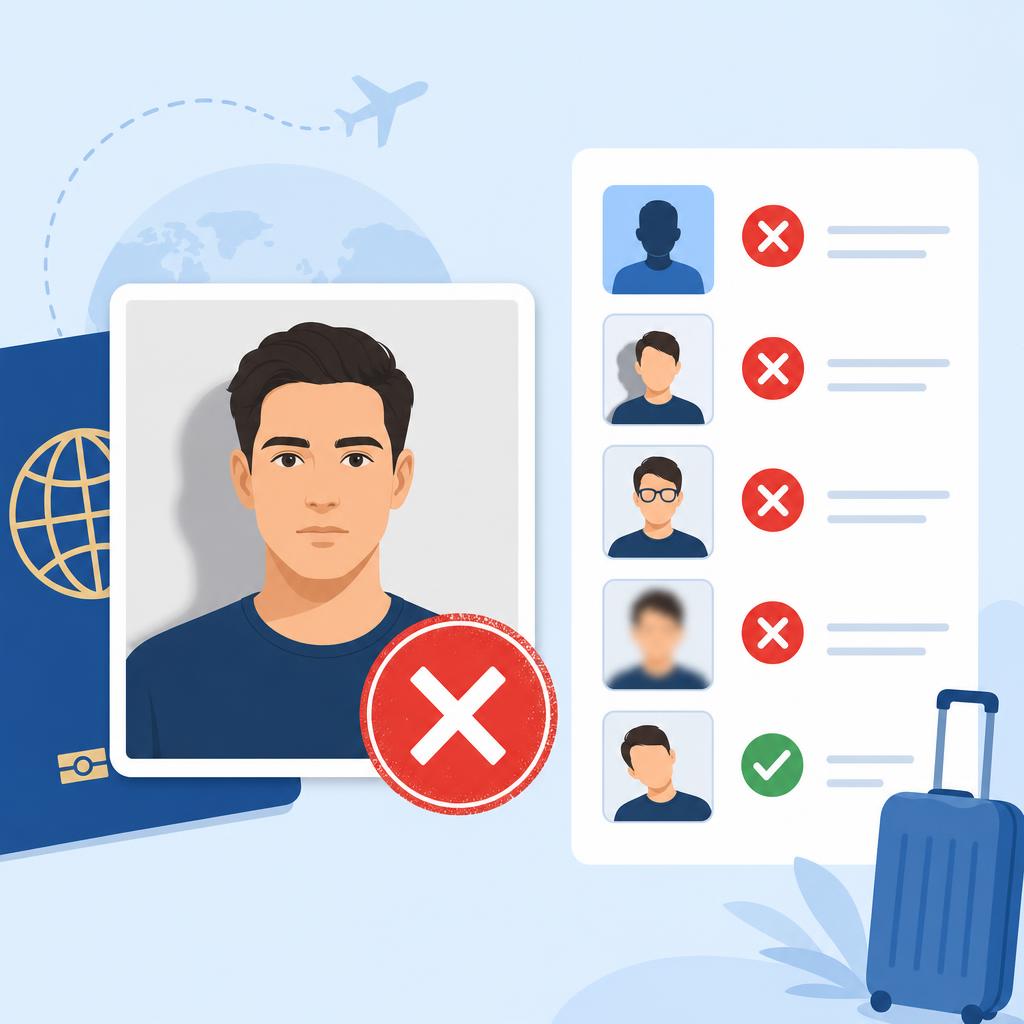
Getting your passport application delayed because of a photo problem is frustrating — especially when the picture looked perfectly fine to you.
Passport photos have specific requirements for size, lighting, background, facial position, image quality, and editing. According to the U.S. Department of State, unacceptable photos are the number-one reason passport applications are put on hold.
The good news is that many passport photo problems are easy to prevent. Below are 15 of the most common reasons a U.S. passport photo may be rejected or considered unacceptable, along with simple tips for fixing them before submitting your application.
Quick Answer: Why Do Passport Photos Get Rejected?
A passport photo may be unacceptable if:
- The photo is the wrong size
- Your head is positioned incorrectly
- The background isn't plain white or off-white
- There are shadows on your face or background
- The image is blurry or pixelated
- Your face isn't looking directly at the camera
- Your eyes aren't clearly visible
- Your mouth is open
- You're wearing glasses
- A hat or clothing covers part of your face
- The photo has been digitally altered
- A filter was applied
- AI was used to modify or create the image
- The photo is too dark or too bright
- The photo is more than six months old
Let's look at each problem in more detail.
1. Your Passport Photo Is the Wrong Size
For a U.S. passport application submitted using a paper form, your printed passport photo must be 2 x 2 inches (51 x 51 mm). The head must also be positioned and sized correctly within the photograph. A photo can look great but still cause problems if the final print dimensions or head size are incorrect.
How to fix it: Start with a high-resolution photograph and size it specifically for U.S. passport requirements. Avoid stretching or compressing the photograph to make it fit — this can distort your face and make the photo unacceptable.
2. Your Head Is Too Large or Too Small
Correct passport photo dimensions involve more than making the entire image 2 x 2 inches. For printed U.S. passport photos, the head should measure approximately 1 inch to 1 3/8 inches (25–35 mm) from the bottom of the chin to the top of the head. Standing too close to the camera can make your head appear too large; standing too far away can make it too small.
How to fix it: Have the photographer stand several feet away rather than placing the camera extremely close to your face, and leave some room around your head and shoulders when taking the original picture.
3. Your Background Isn't White or Off-White
One of the easiest passport photo mistakes to make at home is using the wrong background. Your background should be plain, white or off-white, and free of objects, visible texture or patterns, and shadows. A white brick wall, patterned wall, window, furniture, picture frame, or other visible object can make the background unacceptable.
How to fix it: Stand in front of a plain white or off-white wall. Don't have one available? A plain white or off-white sheet can provide a simple background. Try standing several feet in front of the wall instead of directly against it — this can also help reduce shadows.
4. There Are Shadows on Your Face
Shadows can make parts of your facial features difficult to see. This commonly happens when a light is positioned only on one side, strong overhead lighting is used, you stand too close to a wall, direct sunlight hits one side of your face, or a camera flash creates harsh shadows.
How to fix it: Use soft, even lighting across your entire face. Natural daylight can work very well — try facing a large window while avoiding harsh direct sunlight, and check both sides of your face before taking the final photograph.
5. There Is a Shadow Behind Your Head
Even when your face is perfectly lit, a dark outline or shadow on the wall behind you can cause problems. This often happens when you stand directly against the background.
How to fix it: Move several feet away from the background. Increasing the distance between you and the wall often reduces or eliminates the shadow.
6. Your Passport Photo Is Blurry or Pixelated
Passport photos need to clearly show your facial features. A blurry, grainy, pixelated, or otherwise low-quality image may be unacceptable. Quality can also be lost when an image is repeatedly compressed or transferred between devices.
How to fix it: Use your phone or camera's highest-quality setting. Before using the photo, zoom in and check your eyes, nose, mouth, hairline, and face outline — everything should look sharp and natural. For digital passport photos, avoid sending the picture through methods that significantly compress the original image.
7. You're Not Looking Directly at the Camera
A passport isn't the place for your favorite selfie angle. Your face needs to point directly toward the camera. Photos may cause problems if your head is tilted, your face is turned sideways, your chin is pointed too far upward or downward, or your shoulders and head are significantly angled.
How to fix it: Position the camera directly in front of you at approximately eye level. Look straight into the lens and keep your head upright.
8. Your Eyes Aren't Clearly Visible
Your eyes need to be clearly visible in your passport photo. Hair covering your eyes, partly closed eyes, looking away from the camera, or other obstructions can make the photograph unacceptable.
How to fix it: Move your hair away from your eyes and look directly into the camera. Take several pictures so you can choose one where both eyes are fully visible. Special rules apply to babies, whose eyes do not necessarily have to be completely open.
9. Your Facial Expression Is a Problem
You don't have to look angry in a passport photo. For a printed passport photo, the State Department says you may smile, but your eyes should be open and your mouth closed — avoid exaggerated facial expressions. For an online-renewal digital photo, the Department recommends a neutral expression or natural smile and says to avoid showing teeth.
Safest approach: use a relaxed, natural expression with both eyes open, mouth closed, and your face looking directly at the camera. Save the big smile for after your passport arrives.
10. You're Wearing Eyeglasses
This rule surprises many people. Eyeglasses generally should not be worn in a U.S. passport photo — that includes clear prescription glasses, not just sunglasses.
How to fix it: Simply remove your glasses before taking the picture, and check that your glasses aren't sitting on top of your head either.
11. You're Wearing a Hat or Head Covering
Hats and head coverings generally aren't allowed in passport photos unless they qualify for an exception, such as religious or medical purposes. Even when a permitted head covering is worn, your full face needs to remain visible and the covering must not cast shadows across your face. Applicants using paper forms may need to provide appropriate documentation or a signed statement depending on the reason for the covering.
How to fix it: Unless you qualify for an exception, remove baseball caps, fashion hats, beanies, costume headwear, and other unnecessary head coverings. Make sure clothing, scarves, or hair are not blocking any part of your face.
12. You Used a Beauty Filter
Your phone may automatically make photos look better — but passport officials need to see the real you. Do not use filters that change your skin, eyes, face shape, nose, jawline, complexion, hairline, or natural appearance. Even subtle digital alterations can create a problem.
How to fix it: Use the original photograph without beauty filters or retouching. Your passport photo isn't supposed to be your best social media picture — it's supposed to be an accurate representation of your appearance.
13. You Used AI to Change the Photo
This has become an especially important passport photo rule. The U.S. Department of State specifically states that passport photos should not be created or edited using artificial intelligence or other digital tools. That means you should not take a photo against your bedroom wall and ask an AI tool to generate a perfect white background. You also should not use AI to change your face, remove objects around your head, generate missing parts of an image, replace the background, improve facial features, change your clothing, or create an artificial passport photograph.
How to fix it: Get the background and lighting correct when you take the photograph. Use a real white or off-white background rather than digitally generating one. The safest passport photo is an original photograph that accurately shows how you looked when the picture was taken.
14. Your Photo Is Too Dark or Too Bright
Proper exposure matters. If the image is too dark, important facial details can disappear. If it's too bright, your skin and facial features may become washed out. Uneven lighting can also make one side of your face much brighter than the other.
How to fix it: Use even lighting. Before submitting the picture, make sure your natural skin tone looks accurate, both sides of your face are clearly visible, there are no harsh shadows, your forehead isn't washed out, the background isn't overexposed, and facial details remain sharp. Natural indirect daylight is often one of the easiest ways to get balanced lighting at home.
15. Your Passport Photo Is Too Old
You can't simply use a great picture from several years ago. Your passport photo must be recent — for a U.S. passport application, the photo should have been taken within the last six months.
How to fix it: Take a new passport photo specifically for your current application. This ensures your picture represents your current appearance and meets the latest passport photo requirements.
Passport Photo Rejection Checklist
Before submitting your passport application, run through this quick checklist.
- Your photo: taken within the last 6 months, color photograph, sharp and in focus, high resolution, not blurry or pixelated, natural skin tone
- Your face: looking directly at the camera, head not tilted, both eyes clearly visible, hair not covering the face, mouth closed, natural or neutral expression
- Background and lighting: plain white or off-white background, no patterns or textures, no objects in the background, no shadows behind your head, no shadows across your face, even lighting
- Clothing and accessories: eyeglasses removed, no sunglasses, no hat unless permitted for religious or medical reasons, no scarf or clothing blocking your face
- Digital editing: no beauty filters, no facial retouching, no AI-generated changes, no digitally replaced background, no stretching or distortion
What Happens If Your Passport Photo Is Rejected?
If there's a problem with your passport photo after you submit your application, it doesn't necessarily mean your entire passport application is permanently denied. For online passport renewal, the State Department's system performs an initial photo check during the upload process, and after the application is submitted, an employee reviews the photograph again. If there is an issue, the State Department may contact you and request a new photo — this is why getting the picture right the first time can help prevent unnecessary delays.
Can I Take My Own Passport Photo at Home?
Yes. You don't necessarily need to visit a pharmacy or professional photography studio to take the original photograph — modern smartphone cameras can capture excellent high-resolution photos. The important part is following the official requirements. A simple at-home setup can include a plain white or off-white background, soft even lighting, a modern smartphone or digital camera, someone to take the picture for you, and enough distance between you, the camera, and the background. Take several photos so you can choose the clearest one.
Can I Use a Selfie for My Passport Photo?
A traditional handheld selfie is generally a poor choice for a passport photo. Holding the phone close to your face can distort facial proportions, create an incorrect angle, and make proper head positioning difficult. Instead, have another person take the picture or securely position the camera farther away. The goal is a straight-on photograph with your head centered and your facial proportions appearing natural.
Can I Remove the Background From My Passport Photo?
Be very careful. For U.S. passport applications, the State Department instructs applicants to submit an original, unchanged photograph and specifically warns against digitally changing the background. If your background does not meet the requirements, retake the photograph using a real plain white or off-white background rather than digitally replacing it.
Can AI Fix a Passport Photo?
Don't use AI to alter your passport photo. Even if an AI tool can make the background perfectly white, remove a shadow, change your clothing, sharpen your face, or make other improvements, that doesn't mean the resulting image complies with passport requirements. The U.S. Department of State specifically warns against AI-created or AI-edited passport photos. For passport photographs, accuracy matters more than perfection.
Printed Passport Photo vs. Online Passport Photo
There is an important distinction between a printed passport photograph and a digital photograph uploaded during an eligible online passport renewal. A printed U.S. passport photo should measure 2 x 2 inches (51 x 51 mm), with the head measuring approximately 1 to 1 3/8 inches (25–35 mm) from the bottom of your chin to the top of your head. Online renewal uses a digital photograph instead of requiring you to print a traditional 2 x 2-inch photo — the online application allows you to reposition or crop your image and performs an initial check to determine whether it meets basic photo requirements, though a State Department employee still reviews the photograph after the application is received.
Always confirm the current official photo requirements directly with the State Department before submitting your application:
travel.state.gov — Official U.S. Passport Photo RequirementsFrequently Asked Questions About Rejected Passport Photos
What is the most common reason a passport photo is rejected? There isn't one single mistake responsible for every rejection. Common problems include incorrect backgrounds, shadows, poor image quality, incorrect positioning, glasses, facial obstructions, and digital alterations. The State Department says unacceptable photos are the number-one reason passport applications are placed on hold.
Can I smile in my U.S. passport photo? Yes, a natural smile can be acceptable, but keep your eyes open and your mouth closed for a printed passport photo. For an online-renewal digital photo, avoid showing your teeth. A relaxed neutral expression is the simplest option.
Can I wear makeup in my passport photo? Normal everyday makeup isn't automatically prohibited. However, avoid anything that significantly changes or obscures your natural appearance, and don't digitally add makeup, retouch your skin, or apply beauty filters afterward.
Can I wear glasses in my passport photo? Generally, no. Remove your eyeglasses before taking a U.S. passport photograph.
Does the passport photo background have to be pure white? The background may be white or off-white, but it should be plain and free of shadows, objects, patterns, texture, and lines.
Can I edit a passport photo to make the background white? You should not digitally replace or alter an unacceptable background. Instead, retake the photograph using an actual white or off-white background.
Can I use an AI passport photo generator? For a U.S. passport, you should not use AI to generate or alter your passport photograph. The State Department requires an original photo and specifically warns against artificial intelligence and digital alterations.
How recent does my passport photo need to be? Your passport photo should have been taken within the last six months.
Take Your Passport Photo Correctly the First Time
A passport photo may seem simple, but small details can make the difference between an acceptable photograph and one that delays your application. Before submitting yours, remember the basics: white or off-white background, even lighting, a clear image, facing the camera, visible eyes, no glasses, no filters, no AI alterations.
Taking a few extra minutes to check these details can save you the frustration of having to submit another photograph later.
With FreePassportSnap.com, you can prepare your passport photo from home while following the correct sizing and photo guidelines — no watermark, no registration. Take your photo, check the requirements, and prepare it for your passport application before you submit.
Create Your Free Passport Photo →Related guides
A troubleshooting test: retake, reprint or stop editing?
- Shadow, patterned wall or objects behind the head: change the real background and lighting, then retake the photograph.
- Soft face or motion blur: take a sharper original. A sharpening filter does not recreate authentic facial detail.
- Printed edge is too small or too large: check the paper size and driver scaling with a ruler before changing the image.
- Head is cut off or stretched: return to the original capture; do not generate missing hair, ears or shoulders.
- Skin tone looks wrong only on paper: compare printer color and paper settings. Do not change facial features or use beauty effects to compensate.
Keep the original capture separate from experiments. If you cannot explain whether a visible change came from the camera, printing or digital editing, use a new unaltered capture and compare it with the official examples.
Previous
What Is the Six-Month Passport Rule?
Next
Wrong Date of Birth on Your Passport: What Should You Do?
You Might Also Like
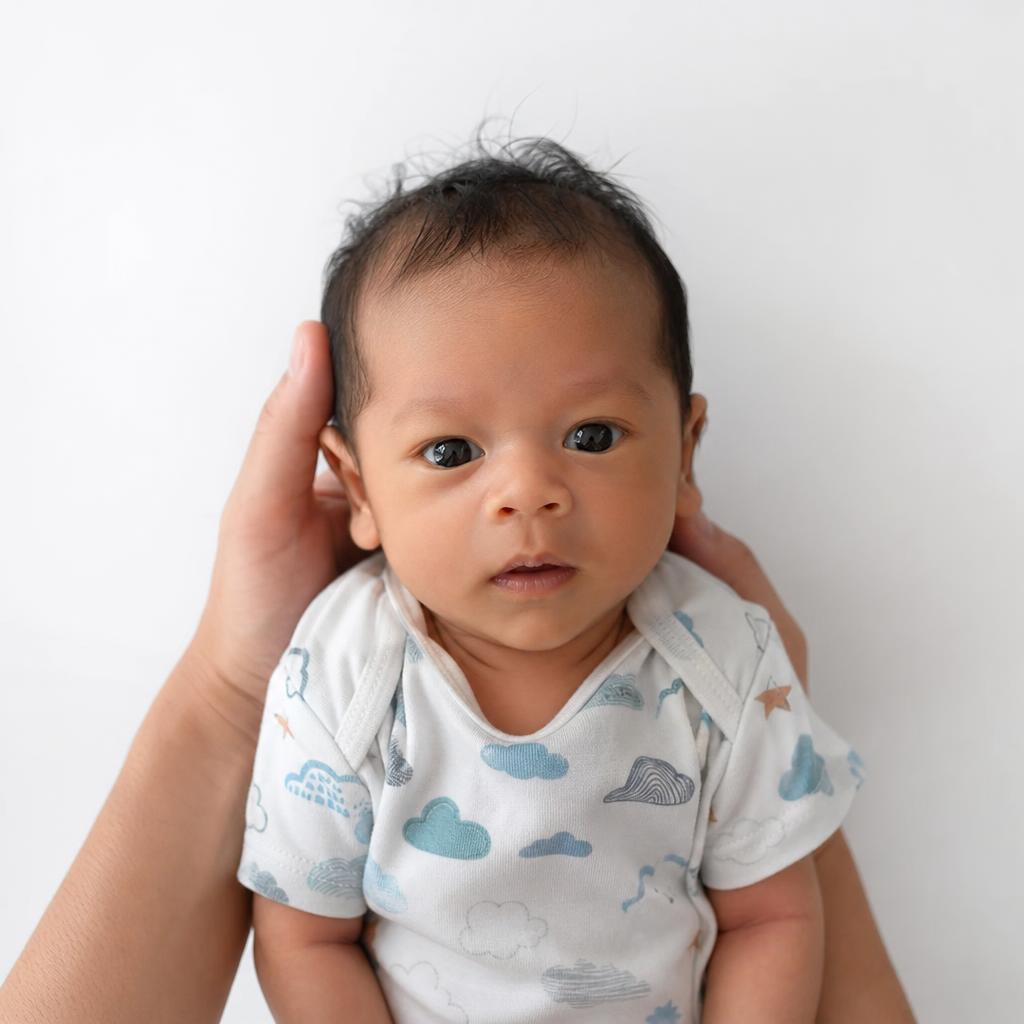
Baby Passport Photo With Eyes Closed: Is It Allowed?
Can a baby's eyes be closed in a U.S. passport photo? Learn the special infant photo rule and how to photograph a newborn correctly.
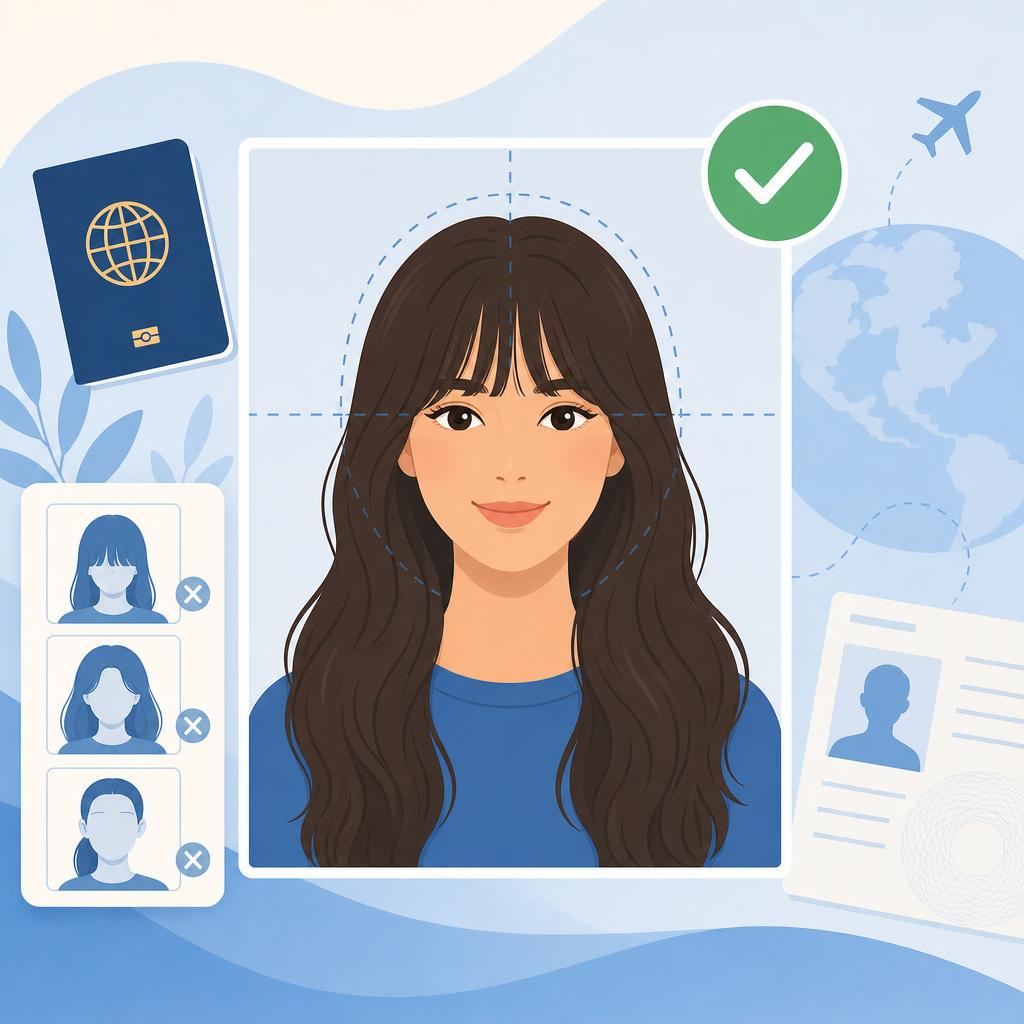
Can You Have Bangs, Long Hair, or Hair Over Your Ears in a U.S. Passport Photo?
Can you have bangs, long hair or hair over your ears in a U.S. passport photo? Learn the current passport hair rules and how to avoid a rejected photo.
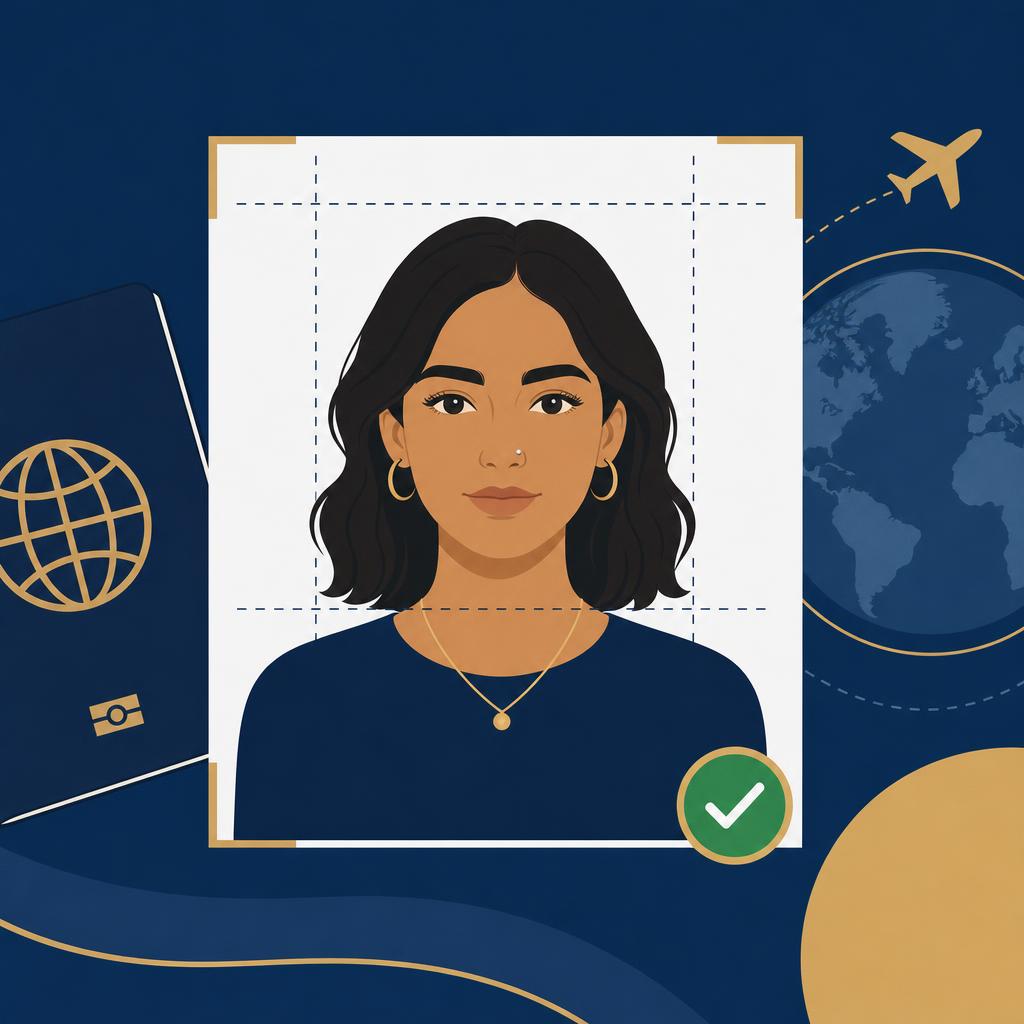
Can You Wear Jewelry or Facial Piercings in a U.S. Passport Photo?
Can you wear earrings, a nose ring, necklace or facial piercings in a U.S. passport photo? Learn what the State Department allows.