Fake Passport Application Status Emails and Text Messages: How to Spot Phishing
Edited by Bobby Hess | FreePassportSnap.com
Author: FreePassportSnap
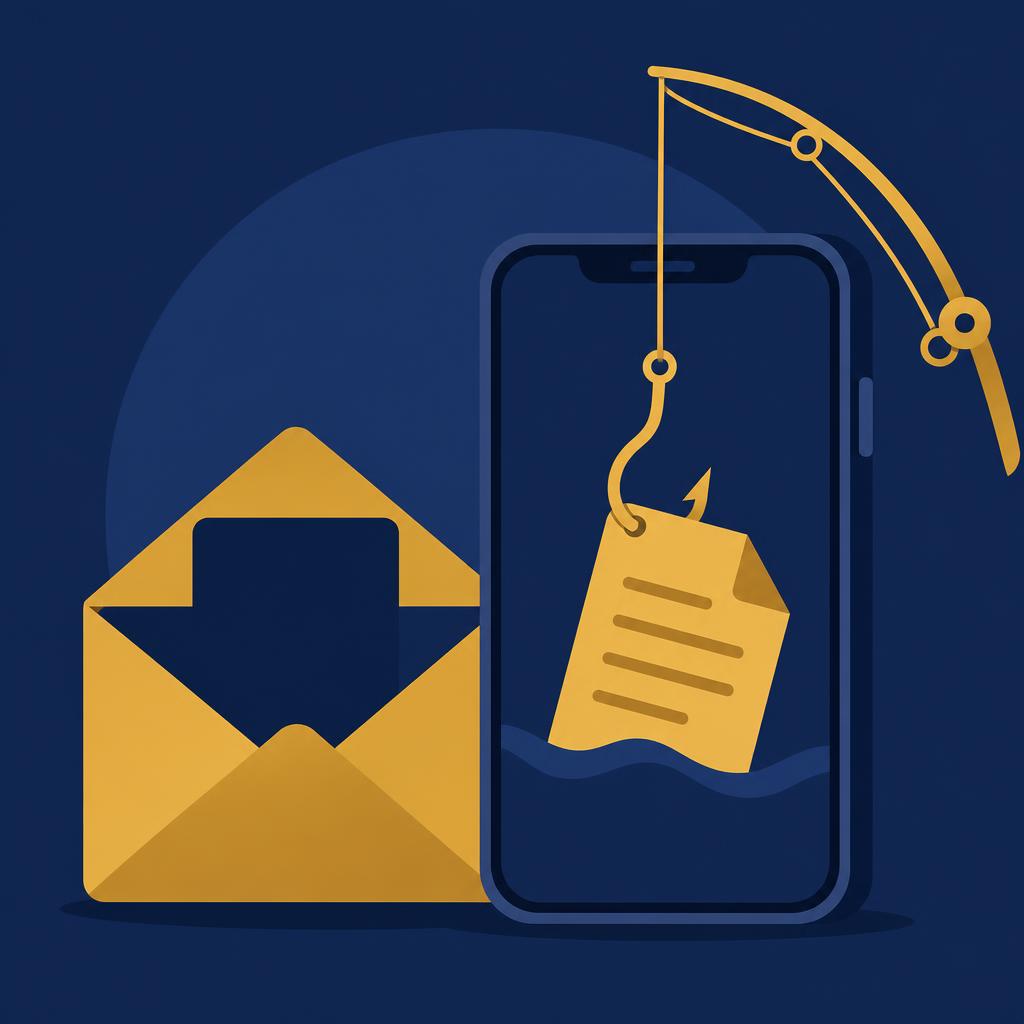
After submitting a passport application, most travelers are eager for updates. Scammers take advantage of that uncertainty with messages claiming that an application is suspended, a photo was rejected, a payment failed, or a delivery must be rescheduled.
The message may look urgent and believable. Its real purpose may be to send you to a fake login page, collect a small “correction fee,” capture card information, or persuade you to disclose identity details.
Quick answer: Do not use the link or phone number in an unexpected passport-status message. Open Travel.State.Gov yourself and use the official application-status page. If a message asks for immediate payment, a password, a full Social Security number, or an unusual payment method, treat it as suspicious.
What a Fake Status Message May Say
- “Your passport application has been suspended.”
- “Your photo failed verification—upload a replacement now.”
- “An unpaid processing fee is delaying your passport.”
- “Your passport cannot be delivered until you confirm your address.”
- “Your application will be canceled today unless you respond.”
A scammer may know that you recently discussed travel or may simply send thousands of messages and wait for one to reach a real applicant.
Real Updates Can Exist — Verify Them Independently
The Department of State says it sends status updates to the email address provided on the application. It may also contact an applicant when more information is needed. That makes independent verification essential: the existence of real email updates does not make every passport-related email genuine.
Instead of clicking, type Travel.State.Gov into your browser and navigate to “Check Your Application Status.” The official status system generally uses your last name, date of birth, and the last four digits of your Social Security number. A mailed application may take up to two weeks to appear as “In Process.”
Historical source record: September 4, 2026. Review scope and dates
Check your real application status:
U.S. Department of State — Check Your Application StatusSigns of a Phishing Email or Text
- A sender address or link that is misspelled or does not match an official government domain.
- A demand for immediate action accompanied by threats of cancellation, arrest, or travel restrictions.
- A request for payment by gift card, cryptocurrency, wire transfer, or payment app.
- An unexpected attachment or QR code.
- A page requesting account passwords, a full Social Security number, or unrelated financial information.
- Poor grammar, unusual formatting, or a greeting that does not match your application.
- A delivery message asking for a small redelivery fee. USPS warns that unsolicited delivery texts with links may be attempts to steal personal information.
How to Check Your Real Passport Status Safely
- Close the message without clicking its link, opening attachments, or scanning a QR code.
- Open a new browser window and type travel.state.gov.
- Select the official application-status option and enter only the requested information.
- If the government says more information is required, follow the response instructions published on the official site or in a letter you have independently verified.
- For a delivery question, use tracking information reached from the official status page rather than an unsolicited text.
What to Do With a Suspicious Message
Take a screenshot and preserve the sender address, phone number, website, and payment request. Do not reply. Report phishing to the FTC at ReportFraud.ftc.gov. Suspicious text messages can also be forwarded to 7726 (SPAM), and email phishing may be forwarded to reportphishing@apwg.org.
For a message impersonating USPS, follow the Postal Inspection Service’s current reporting instructions. Then delete the message and block the sender.
Report phishing and fraud:
Federal Trade Commission — ReportFraud.ftc.govIf You Clicked or Entered Information
- Change any password you entered, especially if it was reused elsewhere.
- Contact your bank or card issuer about exposed payment information or an unauthorized charge.
- Run device security updates and a trusted malware scan if you downloaded a file.
- Use IdentityTheft.gov if you disclosed a Social Security number, passport data, or other identity documents.
- Consider a credit freeze or fraud alert if sensitive identifying information may be in a criminal’s hands.
Start an identity theft recovery plan:
Federal Trade Commission — IdentityTheft.govFrequently Asked Questions
Does the State Department send passport status emails? Yes, it sends updates to the email address provided on the application. Verify unexpected requests independently through Travel.State.Gov.
How long before a mailed application appears online? The Department of State says it can take up to two weeks after applying for a status to become available.
What information is used to check status online? Official guidance lists your last name, date of birth, and the last four digits of your Social Security number.
Should I pay a fee from an email to prevent cancellation? Do not pay from an unsolicited link. Confirm the issue through the official website or published government contact information.
Check an unexpected status message by opening the official passport status service yourself. Do not follow the message’s payment link, send a passport scan in reply, or assume a realistic application reference makes the sender genuine.
Once your application status is confirmed, use FreePassportSnap.com to prepare a correctly sized passport photo from home — no watermark, no registration.
Create Your Free Passport Photo →Previous
Fake Emergency Passport Services: Beware of Guaranteed Same-Day Passports
Next
Fake Passport Renewal Websites: How to Find the Official Government Site
You Might Also Like
Fake Emergency Passport Services: Beware of Guaranteed Same-Day Passports
Need a passport urgently? Learn how fake emergency services exploit travelers, what official urgent options require, and why guarantees are dangerous.
Fake Passport Renewal Websites: How to Find the Official Government Site
Learn how to spot fake passport renewal websites, avoid unnecessary fees, protect your identity, and reach the official U.S. government renewal portal.
USPS Passport Delivery Text Scams: Don’t Click That Tracking Link
Waiting for a passport? Learn how fake USPS delivery texts work, how to check real tracking safely, and what to do after clicking a suspicious link.