Fake Passport Renewal Websites: How to Find the Official Government Site
Edited by Bobby Hess | FreePassportSnap.com
Author: FreePassportSnap
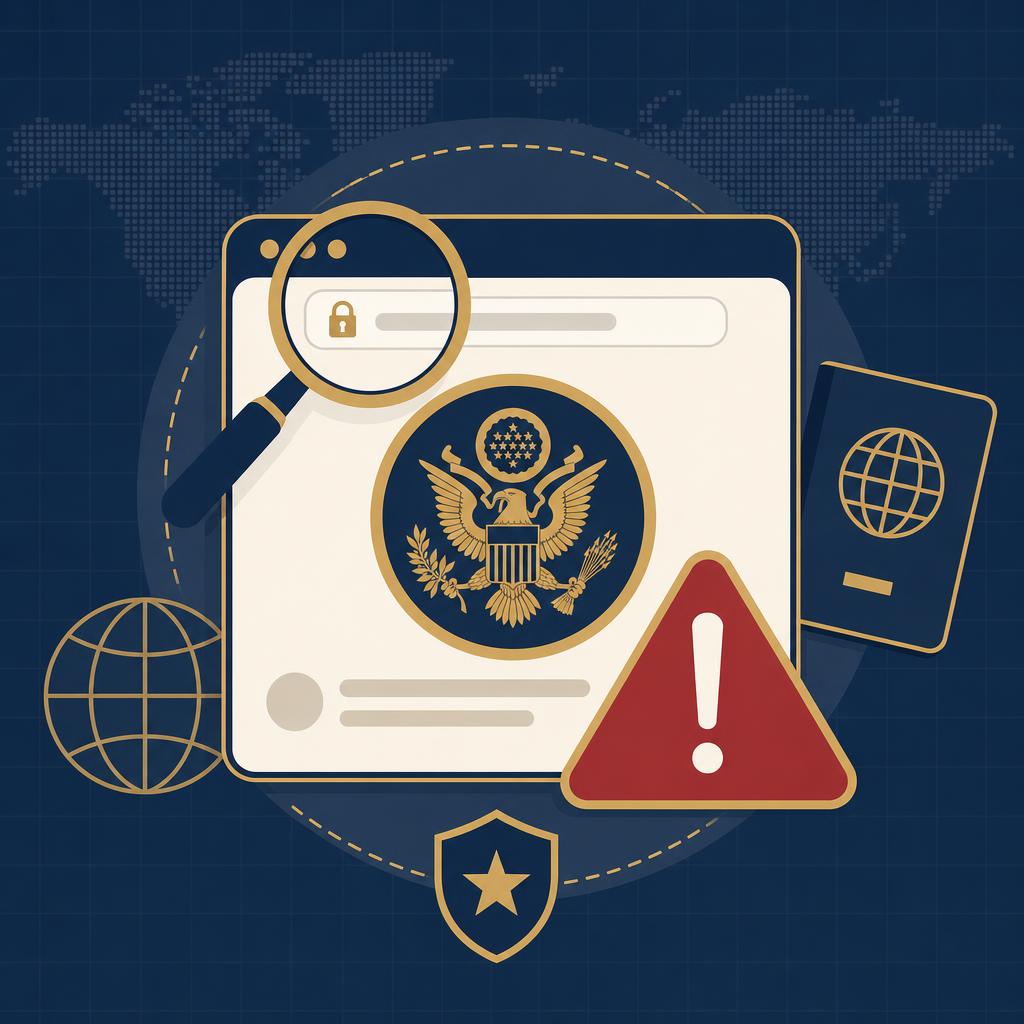
A passport renewal search can lead to polished websites that look governmental even though they are operated by private companies—or by criminals. Some merely charge for help that many travelers can complete on their own. Others are designed to collect payment details, Social Security numbers, passport information, and identity documents.
The safest starting point for a U.S. passport is Travel.State.Gov, the official passport website of the U.S. Department of State. If you are eligible to renew online, enter the renewal process from the Department of State page and confirm that the application portal uses the state.gov domain. Never assume that the first sponsored search result is official.
Quick answer: Start at Travel.State.Gov. An official-looking logo, patriotic colors, or the word "passport" in a domain name does not make a website governmental. Before entering personal information or paying, verify the exact web address and compare every fee with the Department of State’s official fee page.
Why fake passport websites are convincing
A deceptive site may copy government colors, seals, form names, and page layouts. It may use language such as "official application," "authorized processing," or "secure passport portal." A domain can also contain words such as USA, federal, state, government, or passport without being a government site.
Another warning sign is a page that appears at the top of a search because it is an advertisement. Search placement is not proof of government affiliation. The Federal Trade Commission has warned that passport searches can display official-looking private or scam websites.
Official service versus private assistance
A private company is not automatically fraudulent. Some businesses provide form-preparation, photo, courier, or document-review services for an extra fee. The important question is whether the company clearly identifies itself as private, explains what it does, states that it is not affiliated with the government, and separates its service charge from required government fees.
Be cautious when a company implies that its fee is required, disguises a service charge as a government fee, promises access that it does not control, or makes it difficult to understand whether an application has actually been submitted.
Seven warning signs of a fake renewal website
- The site does not use a .gov address for the government application process.
- It charges you simply to download a blank passport form.
- It claims every traveler can renew completely online, regardless of eligibility.
- It guarantees approval or a passport by an exact date.
- It demands payment by gift card, cryptocurrency, wire transfer, or a payment app.
- It creates false urgency, such as a countdown timer or a threat that your passport will be canceled.
- Its refund policy, physical address, privacy policy, or customer-service information is missing or difficult to find.
How to verify a passport website before using it
- Type travel.state.gov directly into your browser instead of following an advertisement or unsolicited link.
- Use the Department of State’s renewal instructions to determine whether you qualify for online renewal, renewal by mail, or an in-person application.
- Check the full domain carefully. A lock icon only means the connection is encrypted; it does not prove the business is legitimate.
- Review the official passport fee page before paying. Separate required government fees from optional private service charges.
- Stop if the site asks for more information than the official process requires or uses an unusual payment method.
Historical source record: September 4, 2026. Review scope and dates
What to do if you already used a suspicious site
First, determine what you shared: payment information, a Social Security number, a passport number, a photograph, a birth certificate, or login credentials. Contact your card issuer promptly if you see an unauthorized or misleading charge. Save receipts, emails, screenshots, and the website address.
Report a deceptive passport website or payment to the FTC at ReportFraud.ftc.gov. If your personal information may have been misused, use IdentityTheft.gov to create a recovery plan. Change any reused passwords and consider a credit freeze or fraud alert when sensitive identity information was exposed.
Frequently Asked Questions
What is the official U.S. passport website? Travel.State.Gov is the official passport information website of the U.S. Department of State.
Is every non-.gov passport website a scam? No. Some are legitimate private businesses, but they are not the government and may charge additional fees. Read the disclosures and understand exactly what you are buying.
Can I renew a U.S. passport online? Eligible adults may renew online through the Department of State’s official process. Eligibility rules apply, and travelers who do not qualify must use the correct mail or in-person procedure.
Can a website guarantee that my renewal will be approved? No private company can guarantee approval. The Department of State decides whether an application meets passport requirements.
Before entering renewal information, identify the operator and read what you are buying. A private website can charge for optional assistance, but it should not be mistaken for the government renewal service or a mandatory application route.
Previous
Fake Passport Application Status Emails and Text Messages: How to Spot Phishing
Next
Fake Travel Visa Websites: How to Find the Real Government Application
You Might Also Like
Fake Emergency Passport Services: Beware of Guaranteed Same-Day Passports
Need a passport urgently? Learn how fake emergency services exploit travelers, what official urgent options require, and why guarantees are dangerous.
Fake Passport Application Status Emails and Text Messages: How to Spot Phishing
Learn how fake passport status emails and texts steal money and personal data, how to check your real application status, and where to report phishing.
Lost or Stolen Passport Scams: How to Protect Your Identity and Replace It Safely
Lost your U.S. passport? Avoid fake replacement services, report the document correctly, protect your identity, and learn the official replacement steps.